In January 2024, I enrolled on the Immersive Arts Bootcamp at BOM (Birmingham Open Media), to learn Unreal Engine 5 and Blender. My project for the Bootcamp was developed alongside my Whitworth Wallis Fellowship, taking direct inspiration from objects within the collection to create an immersive experience to explore the collection.
The immersive experience is first-person and you start on an island with a Carpenter’s house and a Lumberjack’s house. There were two lovers, the Carpenter and Lumberjack’s daughter, who were taken away by the Faeries to the Underworld when they trespassed on Faerie land, but their spirits remain imprinted on the places the last were seen. All that physically remains is the places they lived and the artefacts of their love.
Week 1: User Interface
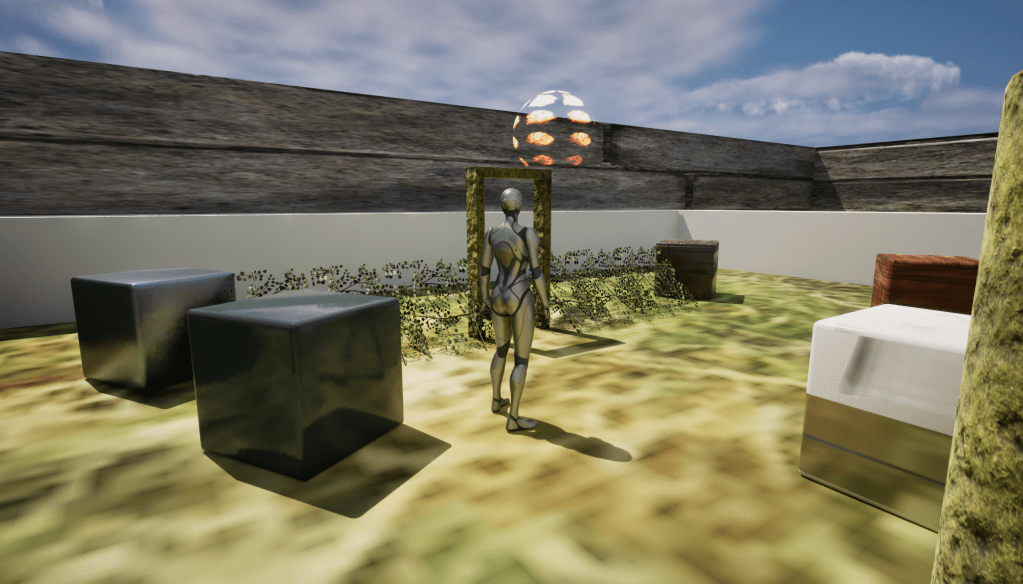


The first week was focused on getting used to the user interface of Unreal Engine, to acquaint ourselves with the controls, where everything is and how to add shapes in.
During the first session this week, I was focused on getting used to how to navigate the interface, adding random shapes and changing the materials.
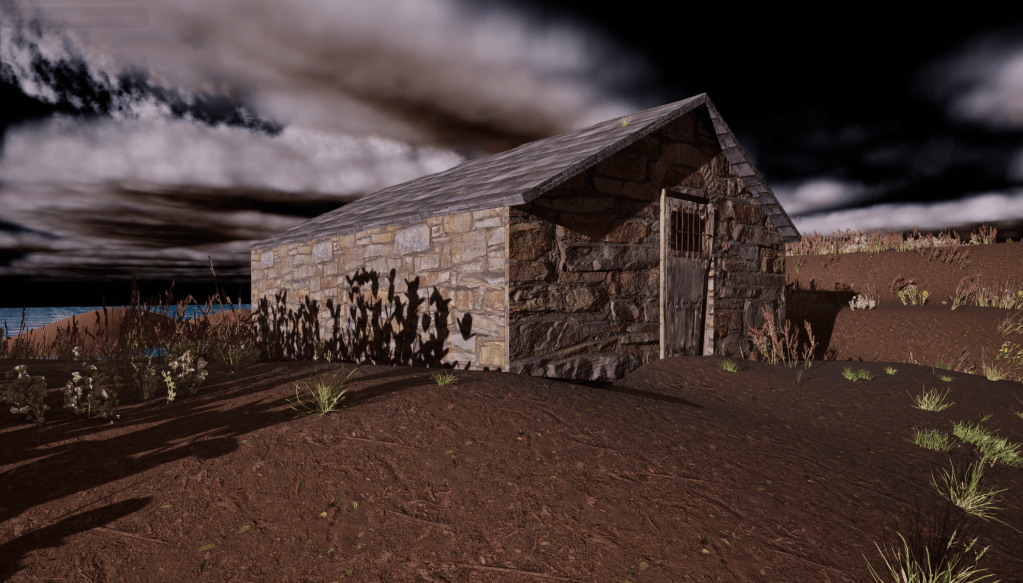
Once I realised everyone was steaming ahead and making much more artistic models already, I spent the second session making a landscape, adding in foliage and constructing my first little shed.
Week 2: Modelling


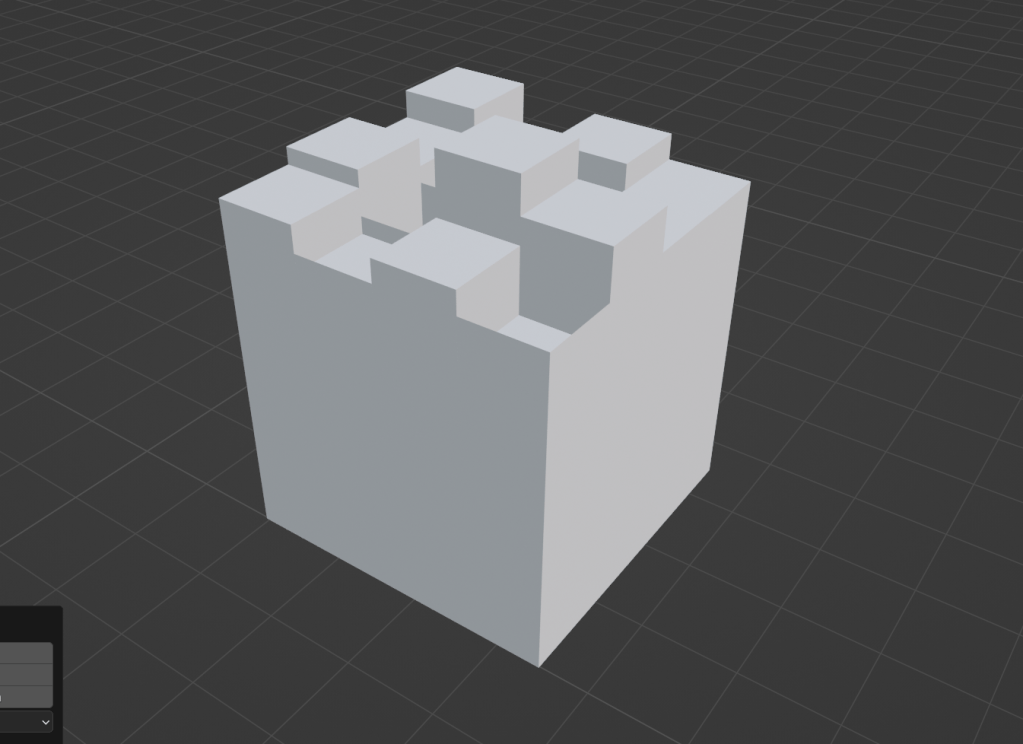
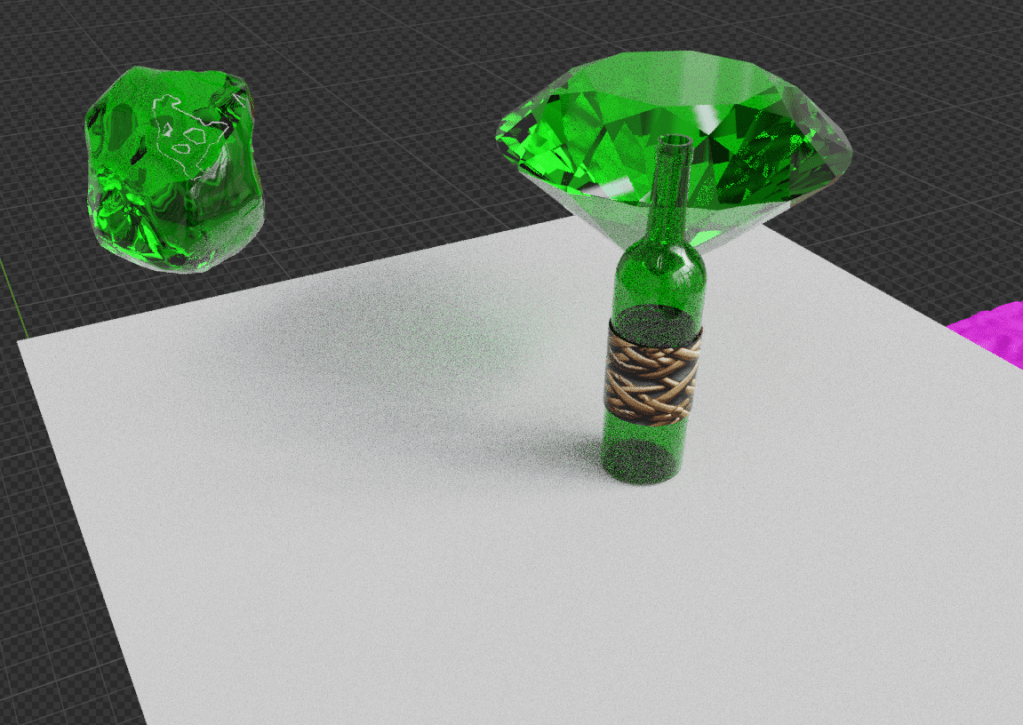

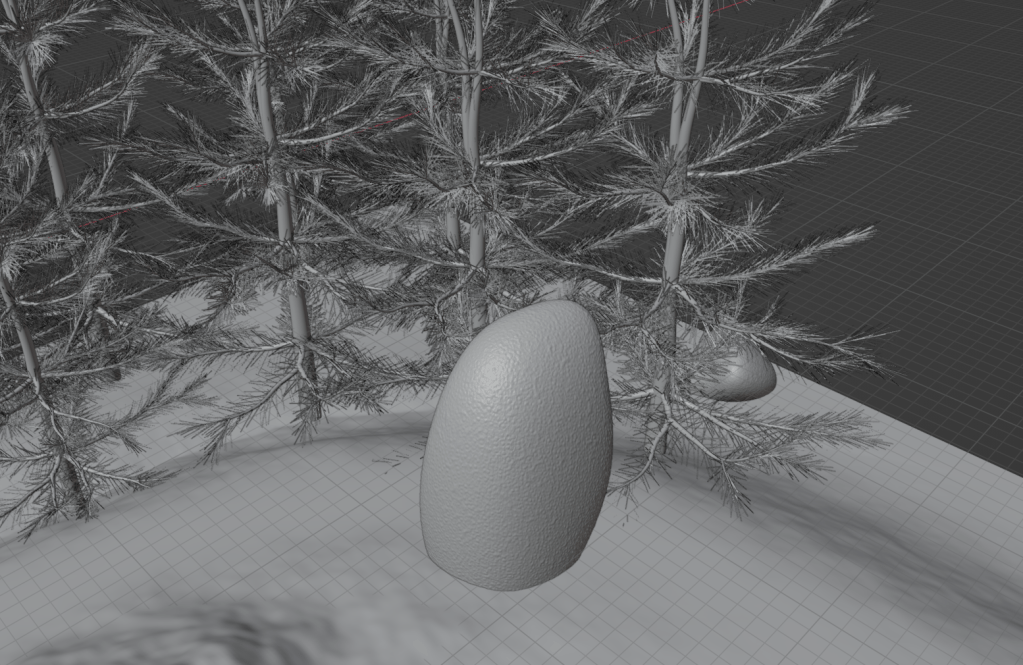


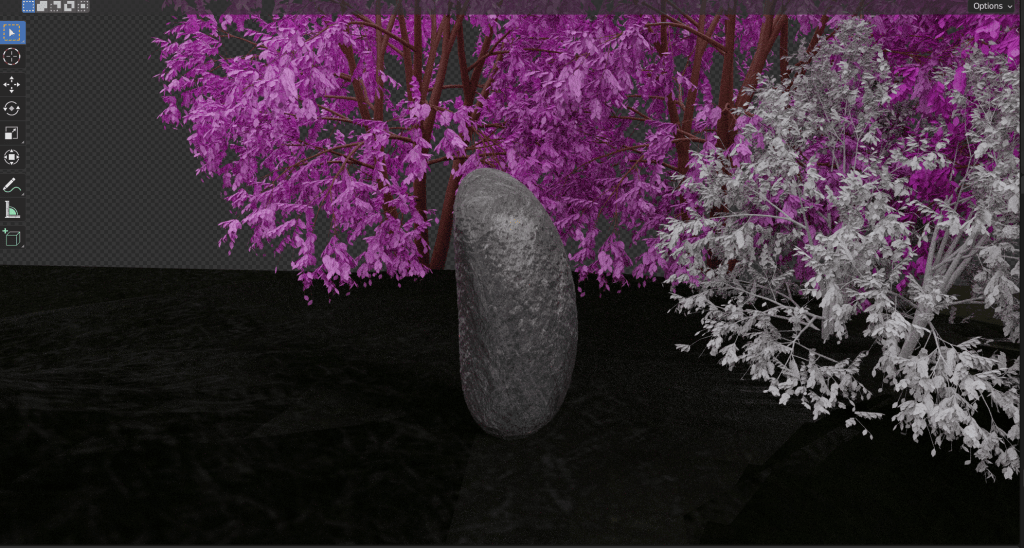

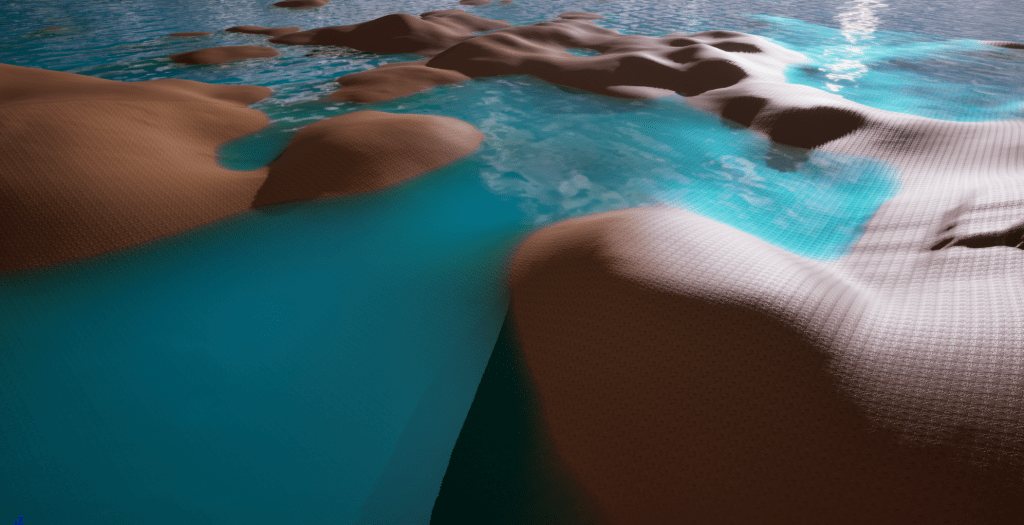
I initially really struggled with Blender as it was so intimidating and complicated at first. Once I got used to the interface, it became easier to understand in terms of modelling smaller objects against a reference. Then in a 1:1 Friday catch up session, I learned from Marcus about generated assets and UV unwrapping. I began to make a small world out of generated landscapes, trees and stones. I accidentally made the landscape with 12 million polygons 😮
Week 3: Textures


This was a really fun and simple week as we were introduced to changing and creating textures, in addition to the introduction of nodes (fun!). I was taught about Base Colour (Main colour/image of the material), Metallic (How metallic/flat a material looks), Roughness (Rough/Smooth) and Normal (Depth).
From which I was able to create this monstrosity of a material for painting landscapes (in Week 9):

Week 4: Importing Assets


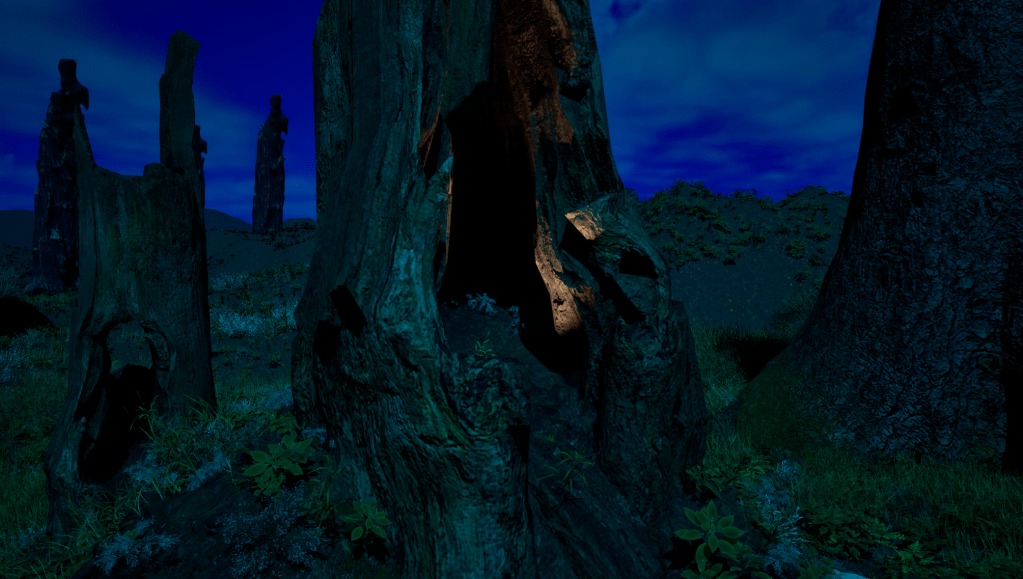
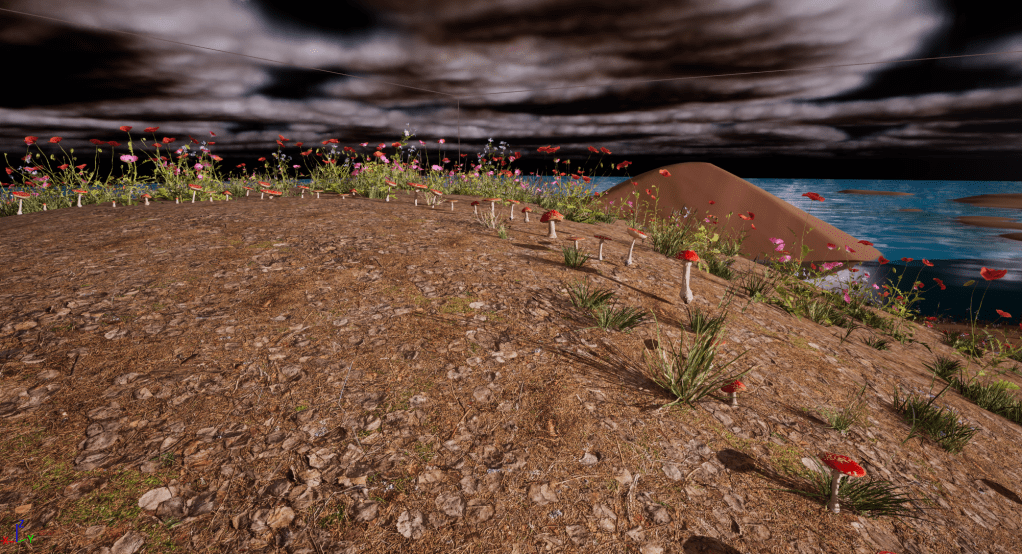
This was the week my project really took off as I am looking to make natural environments and using imported assets in Quixel Bridge is the quickest/easiest method of achieving that. From this week, I was able to play around with adding foliage, adding trees, and creating more dynamic buildings.
Week 5: Sound and Music
This week I began to add sounds into my environment. I don’t think having music within the game fit the eerie nature of the scene so I went for atmospheric and unnerving sound effects. This week taught me how to import sounds, create a looping and delay cue, override attenuation, and add reverb.
Week 6: Reading Week

Reading week was focused on Industry! We had a great talk on portfolios on Wednesday by Mikayla and then got to work on our projects. I really pushed forward in creating the starting house and the surrounding details.
However, I restarted this project in Week 10 as I felt I learned more by then and needed to restart fresh.
Week 7: Lighting
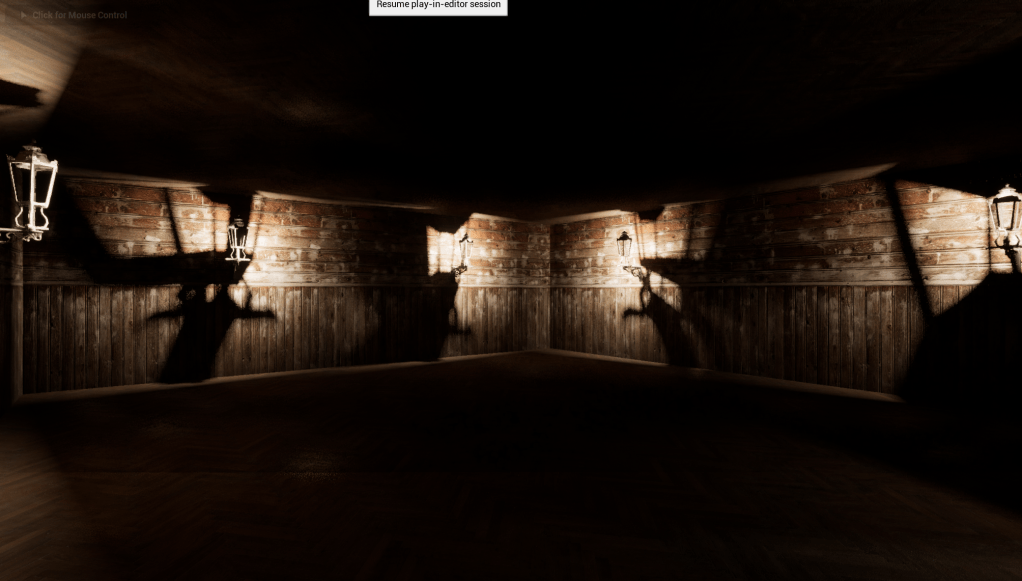

I had already started adding lighting before this point but it was helpful to keep in mind the different types of lighting, their functions, the Kelvin level, intensity and luminous materials.
Week 8: Blueprinting/Shed Week
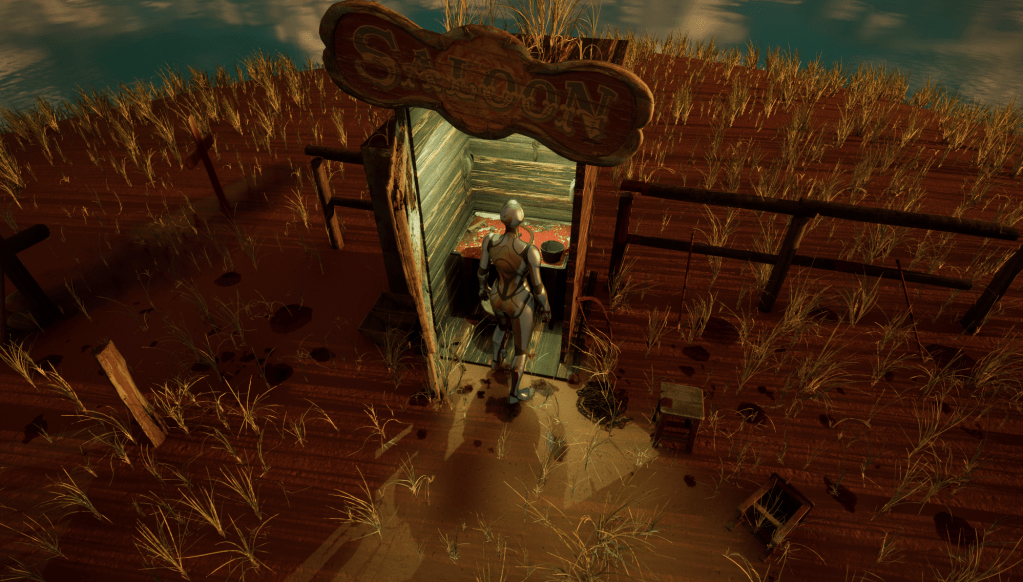
This was a jam packed week!
On Monday, I learnt about blueprinting! During this session, I learned about blueprinting, which is essentially Unreal’s coding and we were taught how to create a lightswitch. I create this in my original project on Monday and then swiftly transferred it to my Shed project on the Wednesday.
On Wednesday was the Shed assessment. The Bootcampers were tasked to make any type of shed of our choosing within two hours. I took a risk in adding water I had taught myself how to use on Monday by using it to surround the island. I made an outhouse as my shed, inspired by Shrek. Unfortunately, there wasn’t a toilet on Quixel Bridge so I opted for making a workman’s shed called “Salloon” with a desk and tools.
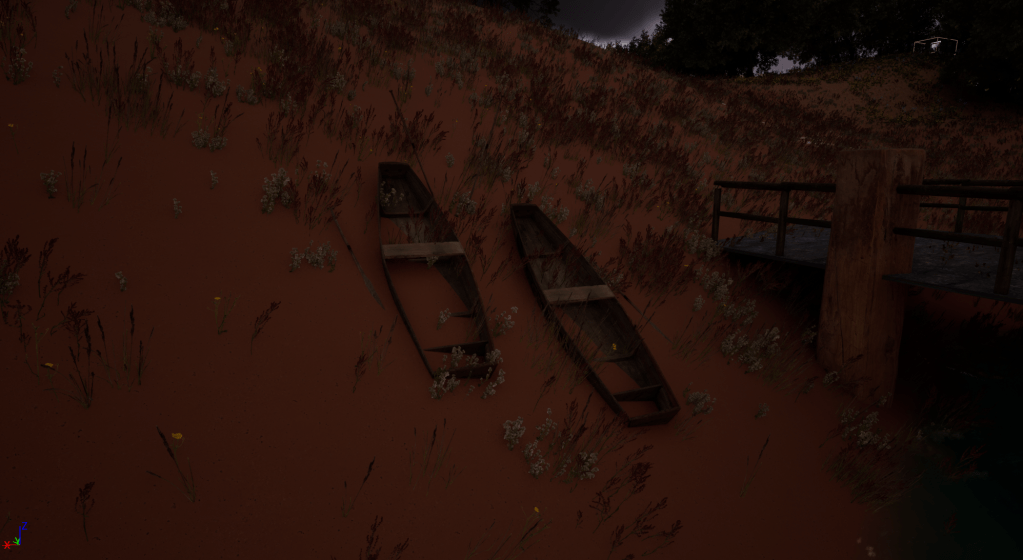
Everything took a turn when I discovered blood decals on Quixel and began to create a narrative of two (or three) people arriving on the island as there are two boats left on the shore and two seats to sit on, but there are two graves. So who killed them?
Week 9: Trigger Boxes
This week, I started working into the Shed project and added the door I learned to animate into the Shed project. I felt like it went well until it didn’t work because the final node needed to be “Set Relative Rotation” rather than “Set World Rotation”.
I didn’t want to change much from the original assessment and had the epiphany than I needed to start over quickly.
Week 10: Creating User Interface
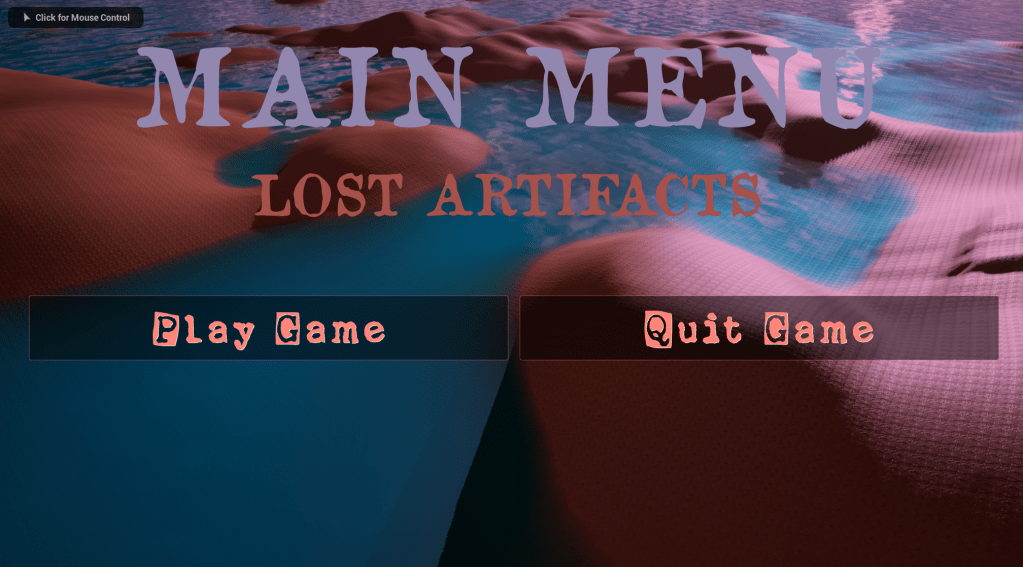
I found this was the most testing week since the Blender week as I didn’t understand until Christian explained it to me that the world blueprint for the main menu needs to be in the new level and the main menu starts from the main menu world, not the main level world.
Project Development:




Blender Models:


 Mads Washbrook